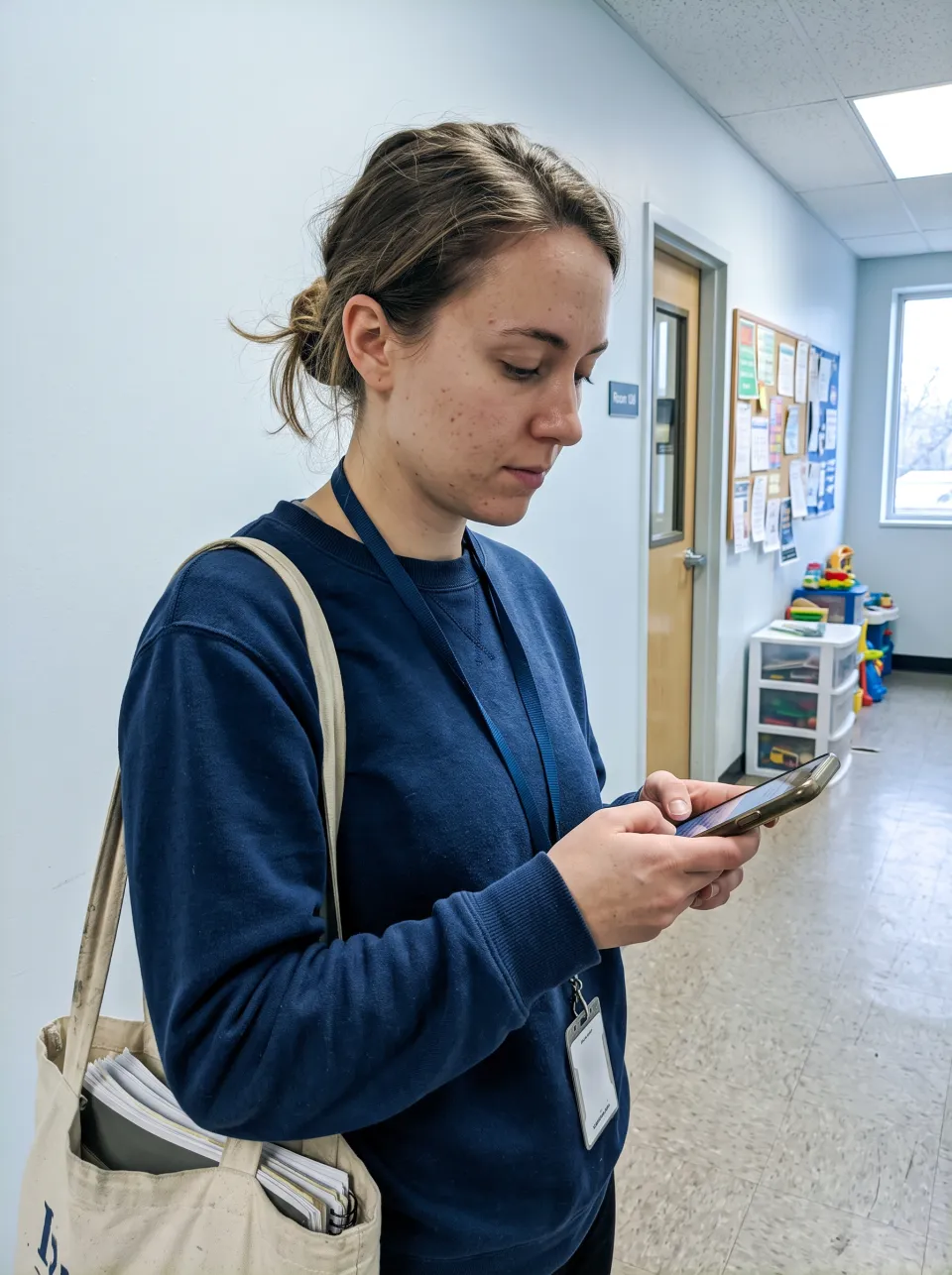
For trainees
Between sessions, on the phone
Log the hour you just worked and see what the month still needs.
- Timer, or hours and minutes
- What is missing, before the deadline
- Every board you track, in one log
Fieldwork tracking for behavior analyst candidates and their supervisors. Every entry is read against your board's rules, you see what is missing before the month closes, and both of you sign the same month.


Track BCBA and IBA at once. Each board reads the same entry by its own rules, and HourPort never adds boards together.
"Add 15m more supervision by Nov 30" instead of a red cell on the 31st.
They confirm sessions, review the month and sign it in the same app you log in.
The trainee logs and closes the month. The supervisor confirms and signs. Each one sees the part that is theirs.
For trainees
Log the hour you just worked and see what the month still needs.
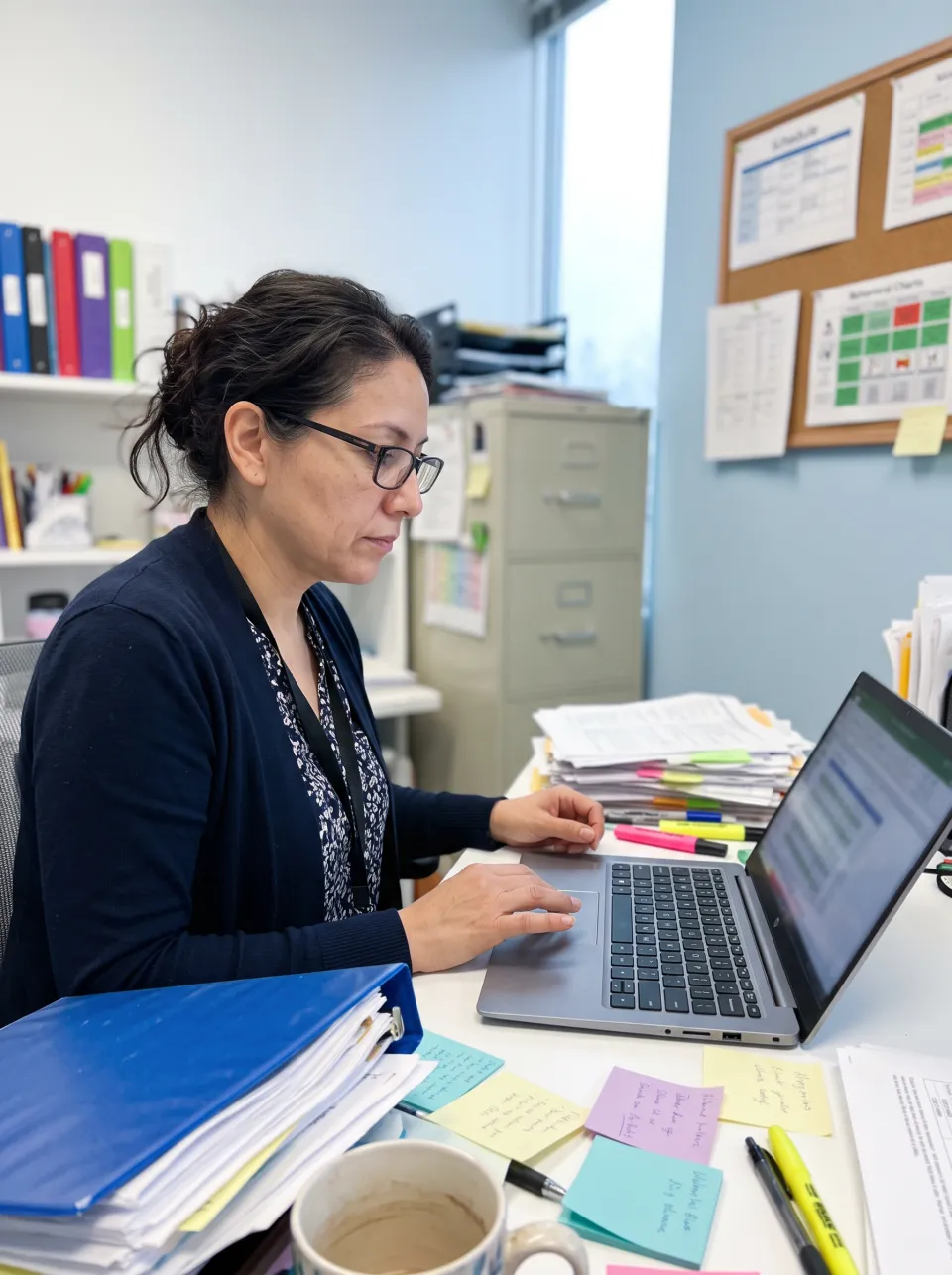
For supervisors
Open a short list of what needs you across every trainee who shared their months.
Pick a board and a track. This is what HourPort checks in every month or period, with the numbers taken from each board's published requirements.
Also built in: IBT, QASP-S and the earlier IBA and QBA requirements. HourPort suggests the rule set from your dates when you set up.
HourPort flags risk. Your board's handbook always governs.
2,000 h to finish
Start the timer when the session starts. Close the tab, lock the phone, come back later: the timer kept the start time.
"The timer keeps the start time, so it keeps running if your screen locks."


The monthly form is built from the entries you both already see. No emailing PDFs back and forth, no guessing who has the latest version.

HourPort shows every rule as met or missing. Supervision you logged counts only after your supervisor confirms it.

They see the same numbers and the signing steps, and can download the monthly form as a PDF.

After both signatures, nobody can edit that month by accident. The record stays as it was signed.

"After your signature, August 2026 is locked for you and Ana."
Supervisors open HourPort to a short list of what needs them, across every trainee who shared their months.

Started fieldwork somewhere else? Add earlier months as totals, including months already signed elsewhere. Then print one report with every month, ready for your records.


Plain answers to what people ask before they move their hours.
HourPort records hours, activities and supervision. Notes are checked for names and long numbers, and you are asked to remove them.
A supervisor sees your months only after you give access, and you can take it back from the Supervisors page.
Edits and removals keep the old values in an audit trail, and signed months cannot be changed.
Your dashboard shows your hours and nothing else.
Add HourPort to your home screen and it opens like an app. Light or dark, it follows your device. English, Portuguese and Spanish are built in.


Other trackers count BACB hours. HourPort also reads IBAO and QABA rules, keeps both signatures inside the app and works in three languages.
Swipe sideways to see every app.
| Feature | HourPort | Ripley | ABA Fieldwork Tracker | MentraTrack | FieldworkABA |
|---|---|---|---|---|---|
| BACB, IBAO and QABA in one log | Yes, read by each board on its own | BACB only | BACB only | BACB only | BACB only |
| Supervisor signs inside the app | Yes, and the signed month locks | PDF e-signed and emailed, paid plans | Not described | Yes, on the paid plan | Yes, on the Premium plan |
| What the supervisor can do | Confirm sessions, review and sign | Review entries and forms | Read only | Approve, paid per connection | Review and sign, Premium |
| Session timer that survives a reload | Yes | Yes | Not described | Not described | Not described |
| Languages | English, Portuguese, Spanish | English only | English only | English only | English only |
| Ads | None | Third-party ads on the dashboard | None | Not stated | Not stated |
Based on each product's public website on November 12, 2026, and on Ripley's app on November 11, 2026. "Not described" means the site does not mention it. Product names belong to their owners.
BCBA under the BACB 2022 and 2027 requirements, supervised and concentrated. IBA and IBT from IBAO. QBA and QASP-S from QABA. You can track more than one at the same time.
The BACB 2027 requirements. HourPort suggests the rule set from your dates when you set up, and the rules screen shows which one you follow.
No. It checks your entries against the published rules and tells you what looks off. Your board's handbook always governs, and your supervisor signs.
Yes. You invite them from the Supervisors page. They confirm sessions, review each month and sign it inside HourPort.
Yes, as monthly totals. Add each earlier month with its hours, supervision and contacts, including months that were already signed elsewhere. Available for BCBA today.
No. HourPort is built by Beyou Global Institute and is independent from every board.
Set up your board, add your supervisor and log today's session.
Start tracking